 LumaKeys

Your piano, in full colour.
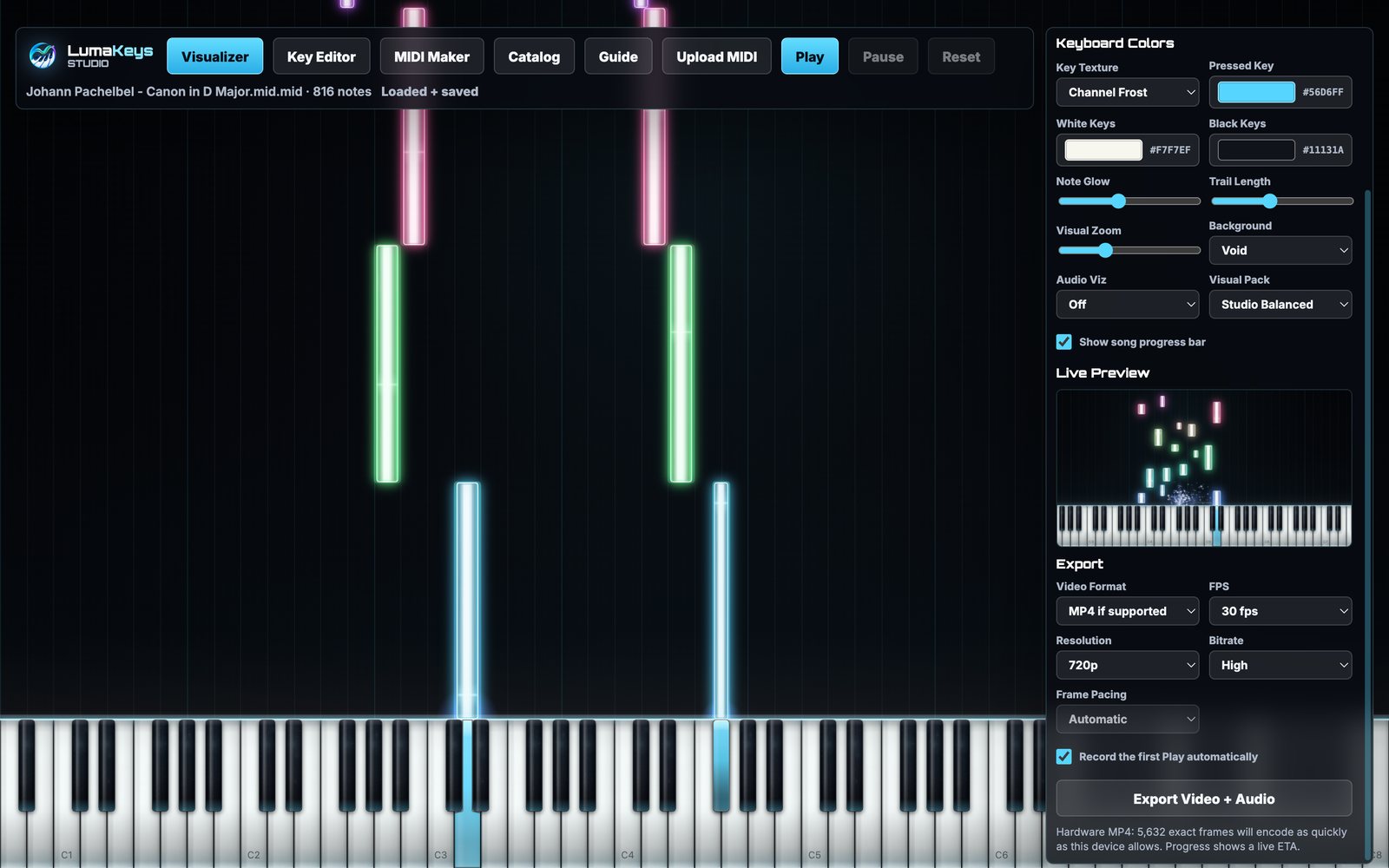
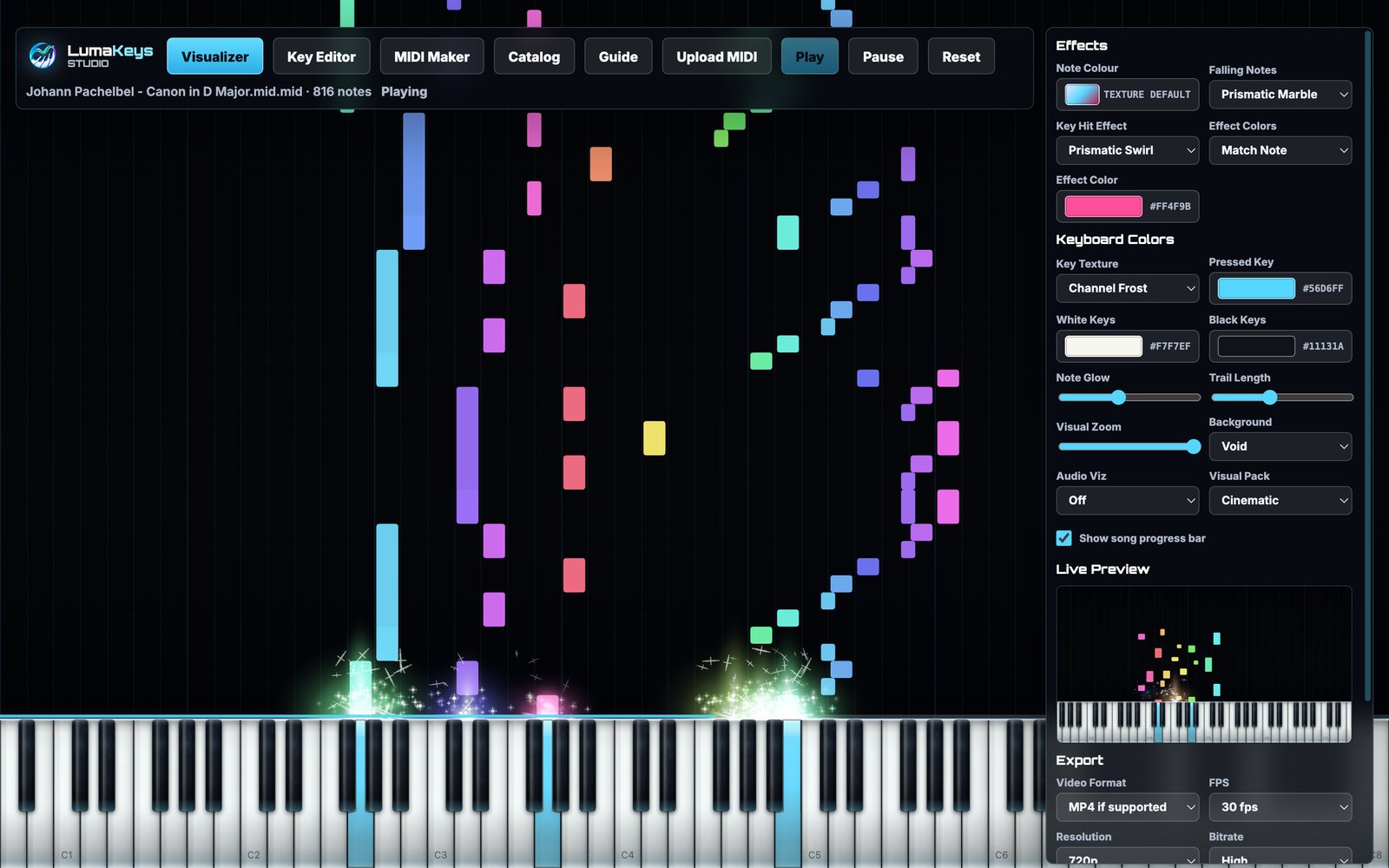
LumaKeys turns a MIDI file into a cinematic piano performance video. Open a file, press Play, and watch the notes fall onto a full 88‑key keyboard while a sampled grand plays them back. Export the whole thing as an MP4 with audio.
For macOS. Coming to the Mac App Store.
Twenty-three ways to look
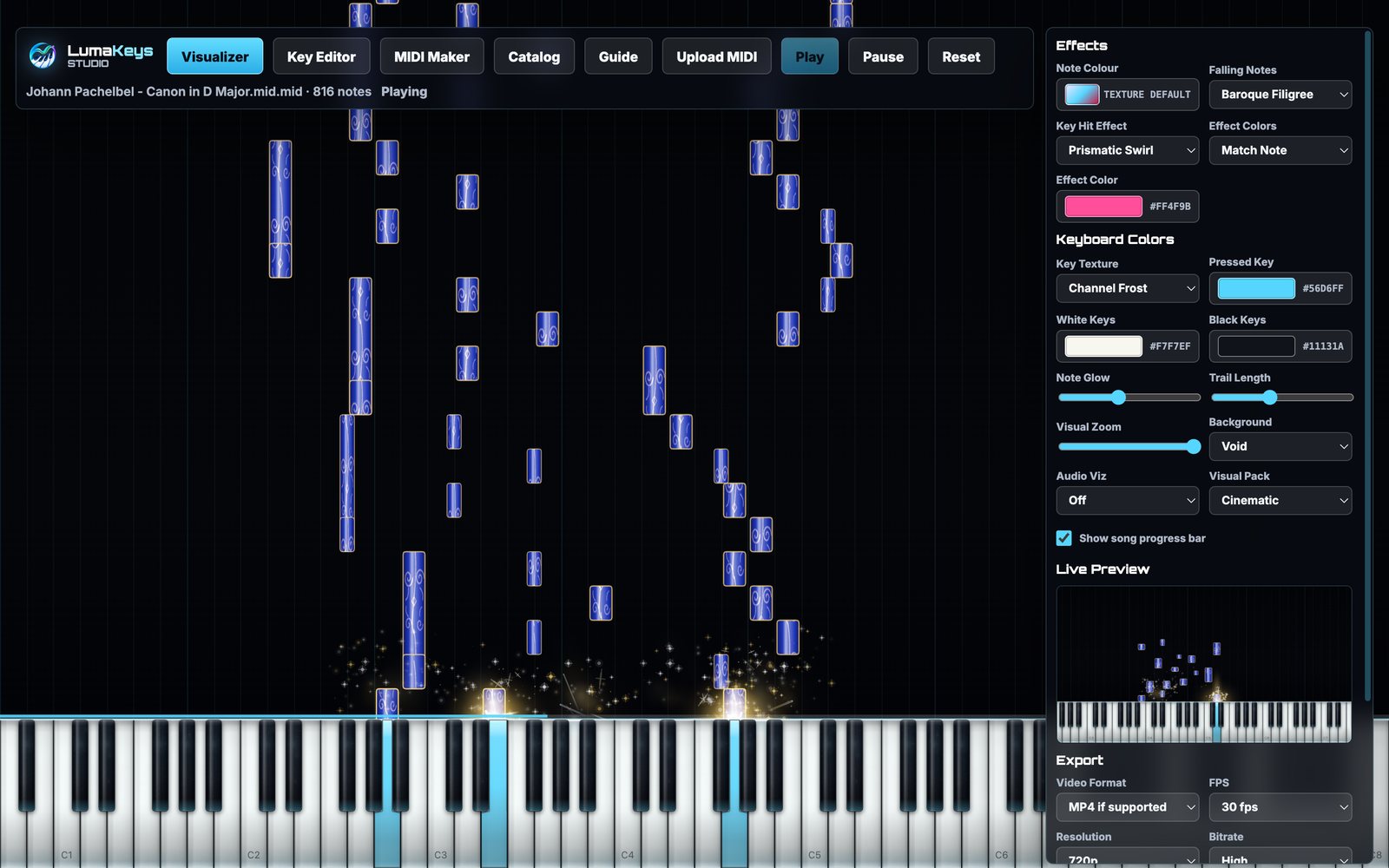
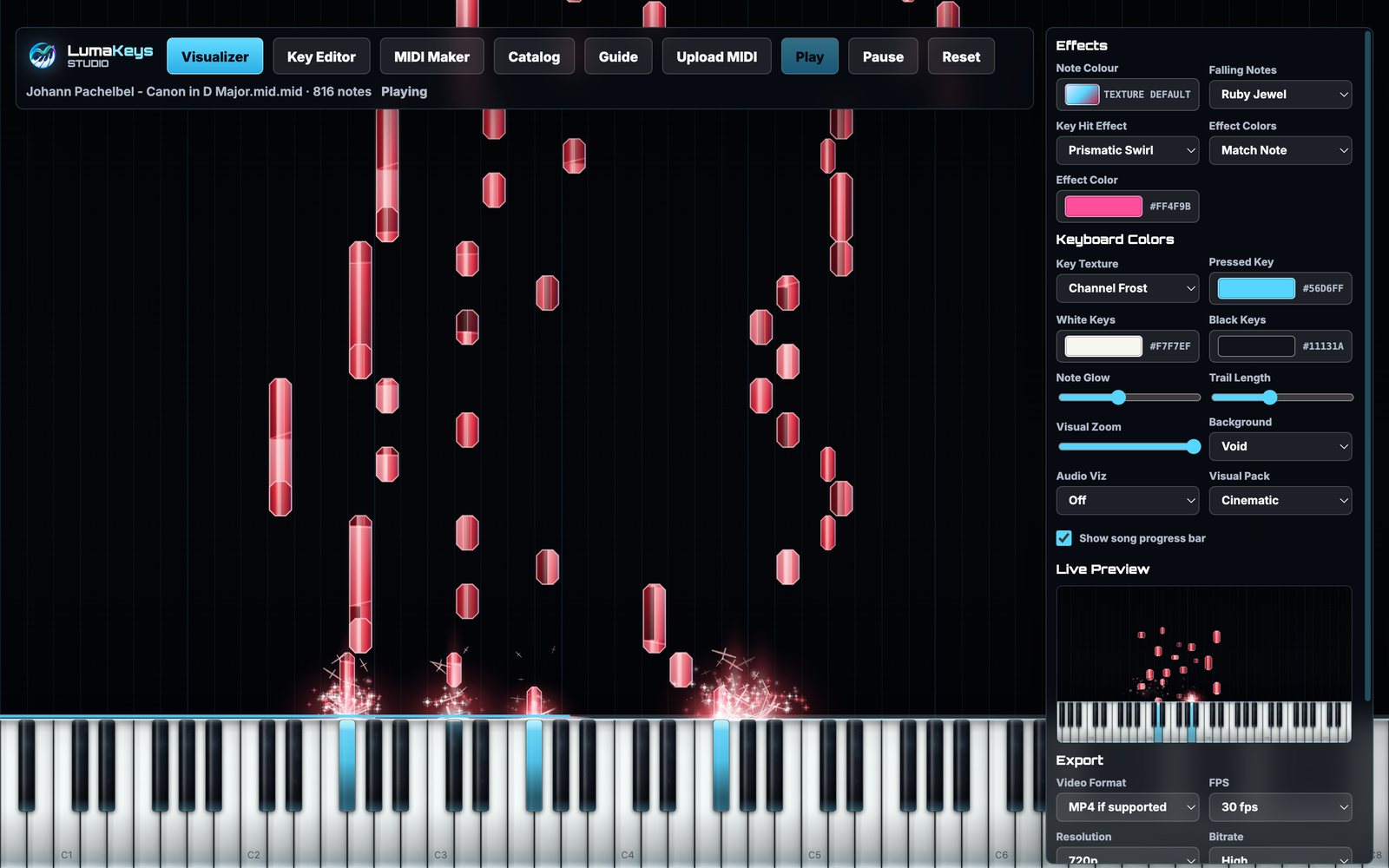
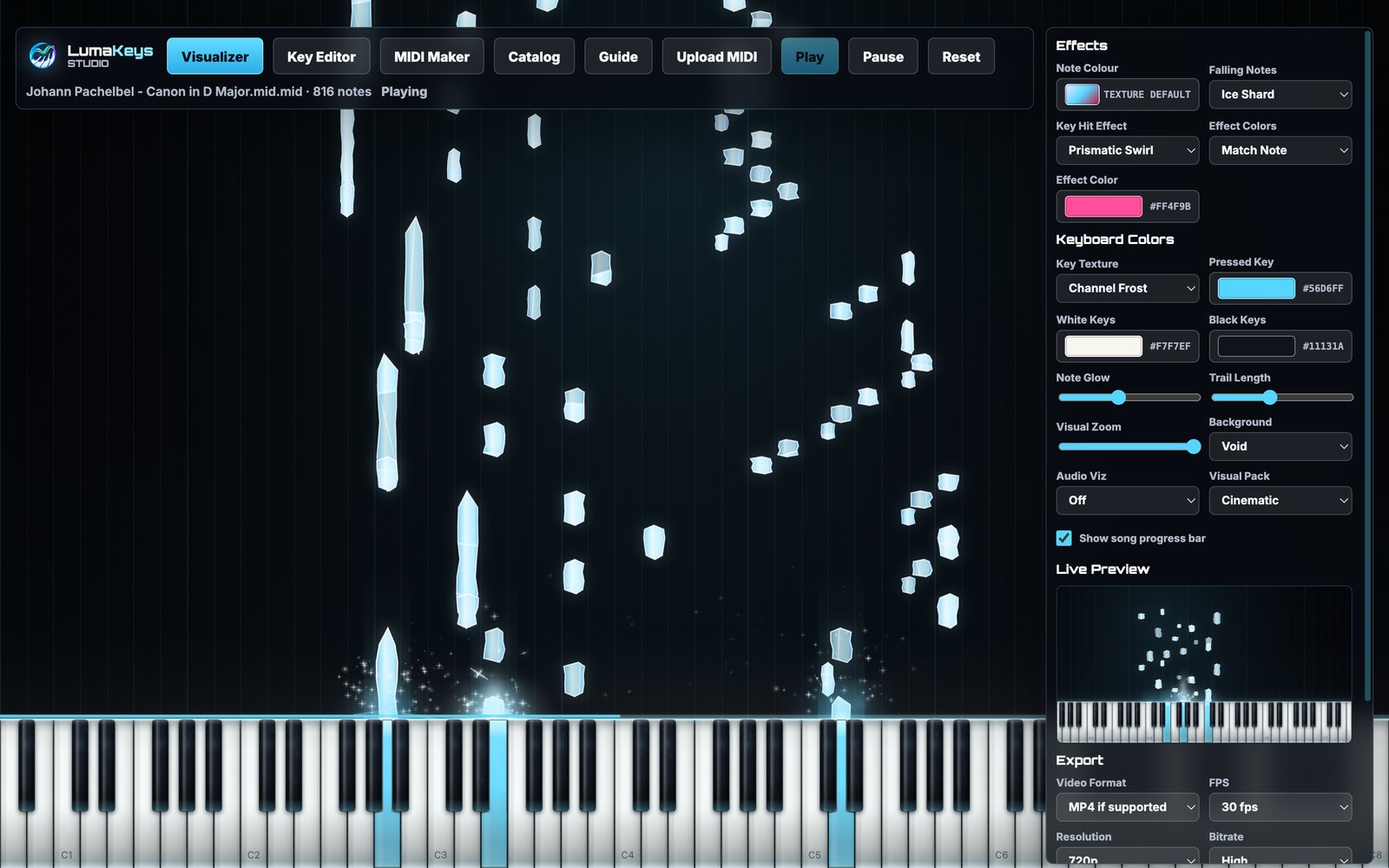
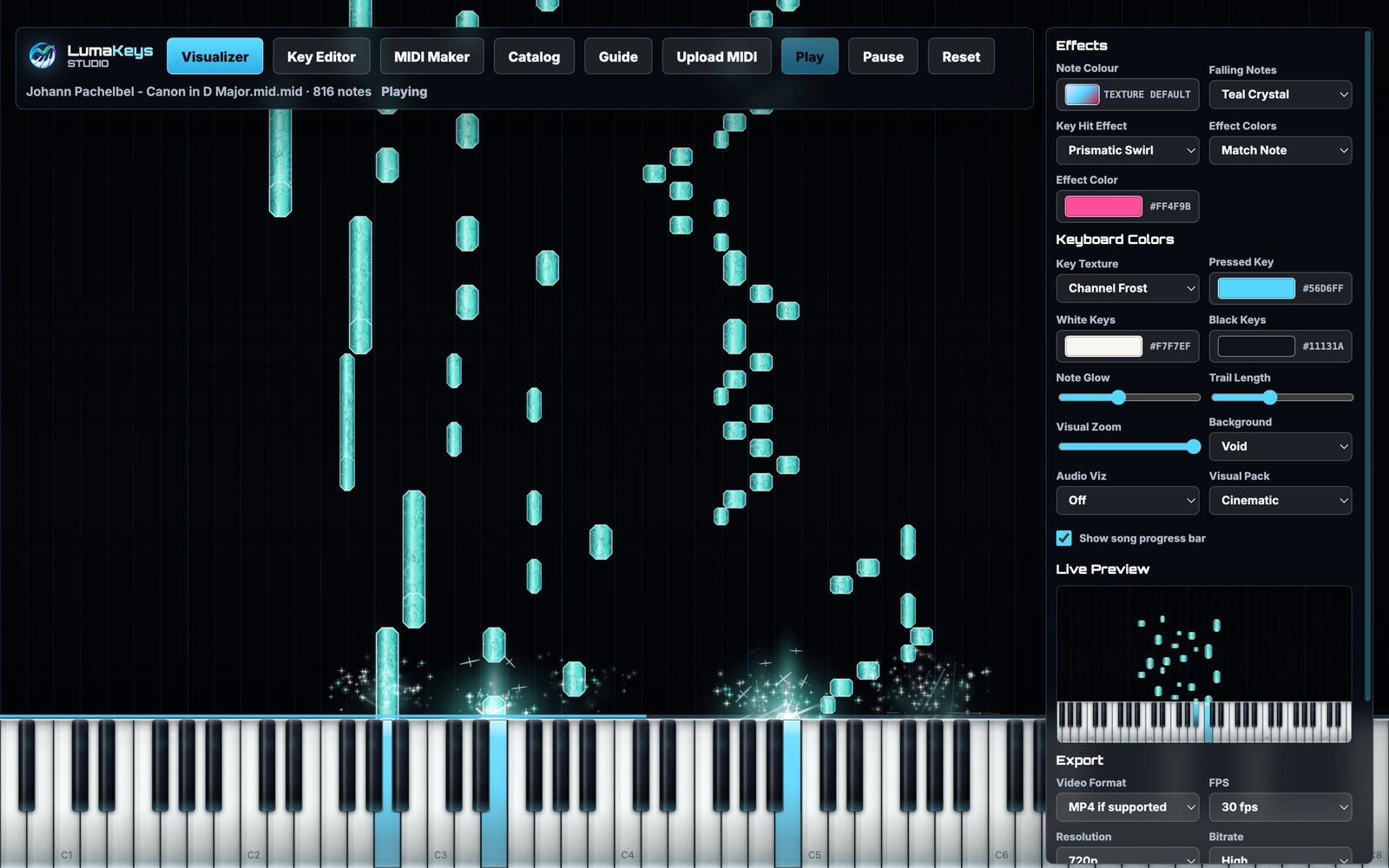
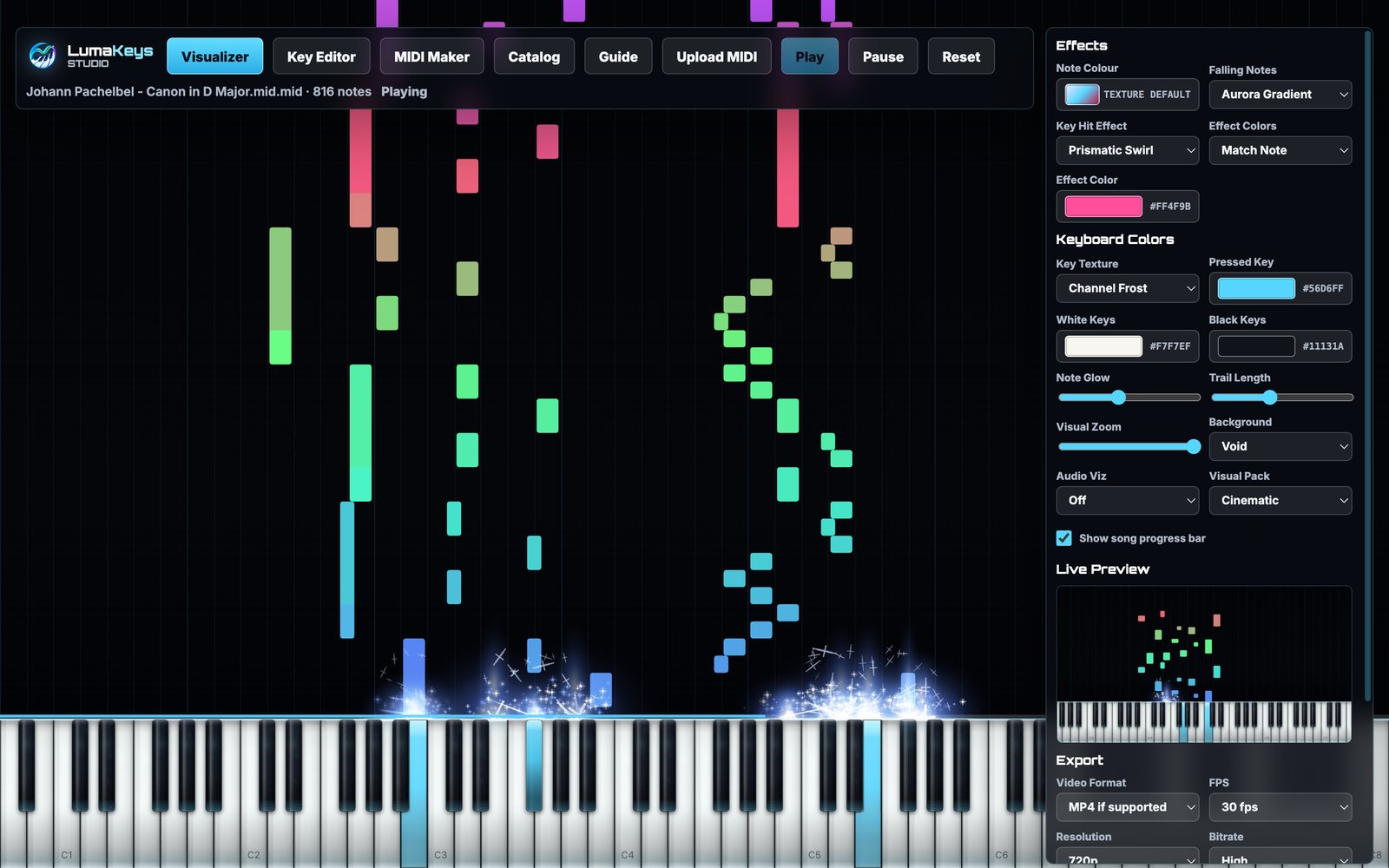
Every note material is drawn procedurally rather than tiled from an image, so notes stay sharp at any length and no two bars repeat. Here are six of them.
More than a pretty window
Playback, rendering and export all happen on your own Mac.
Colour that is yours
Pick any colour from a full picker, give each track its own hue, or run a rainbow across the keyboard. The light coming off a key always matches the note that struck it.
A keyboard you can dress
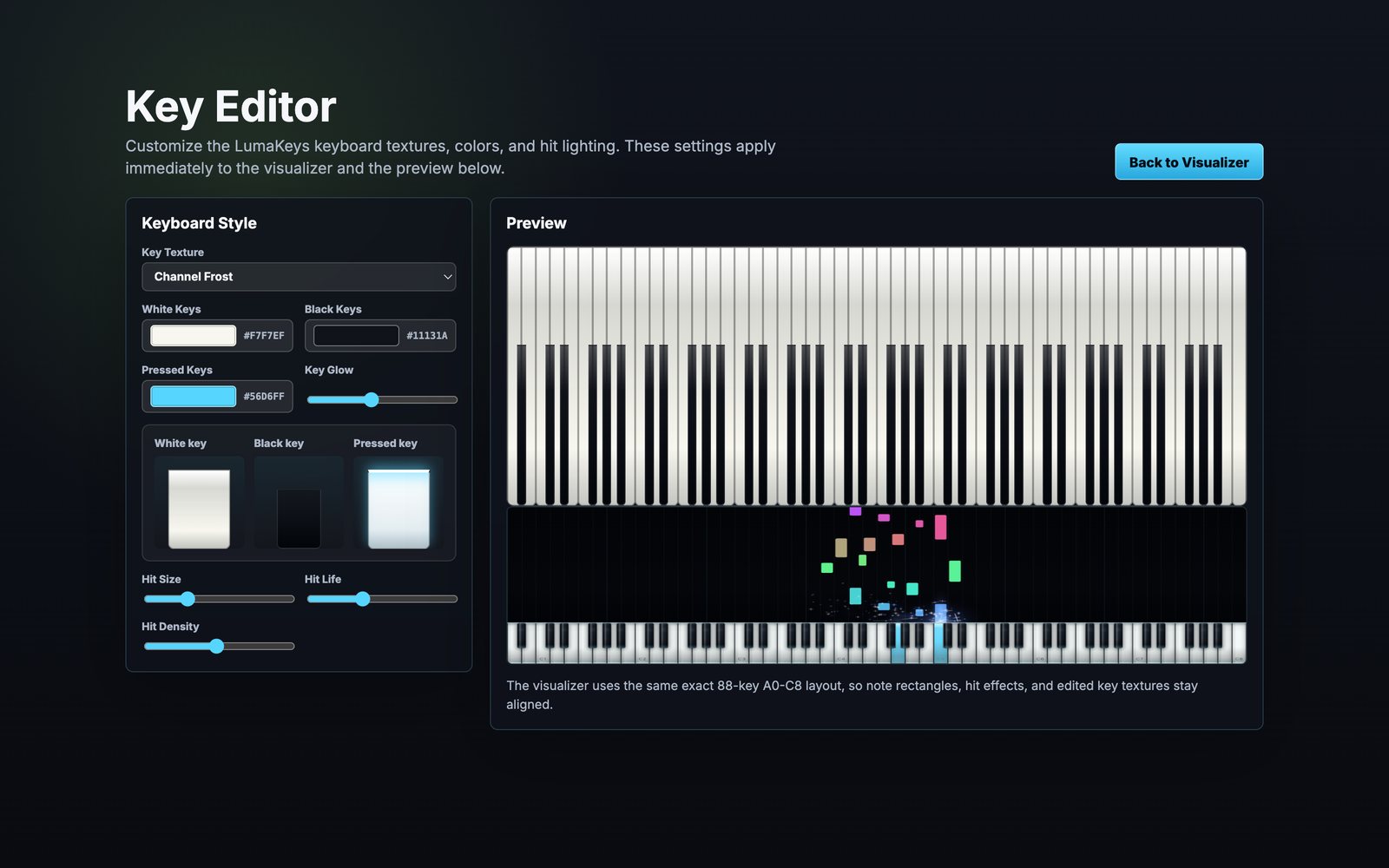
Six key textures, independent colours for white, black and pressed keys, and adjustable glow, hit size, hit life and hit density.
Export a real video
MP4 with audio at your chosen resolution, frame rate and bitrate, with hardware encoding where your Mac supports it and a live estimate of time remaining.
Write something small
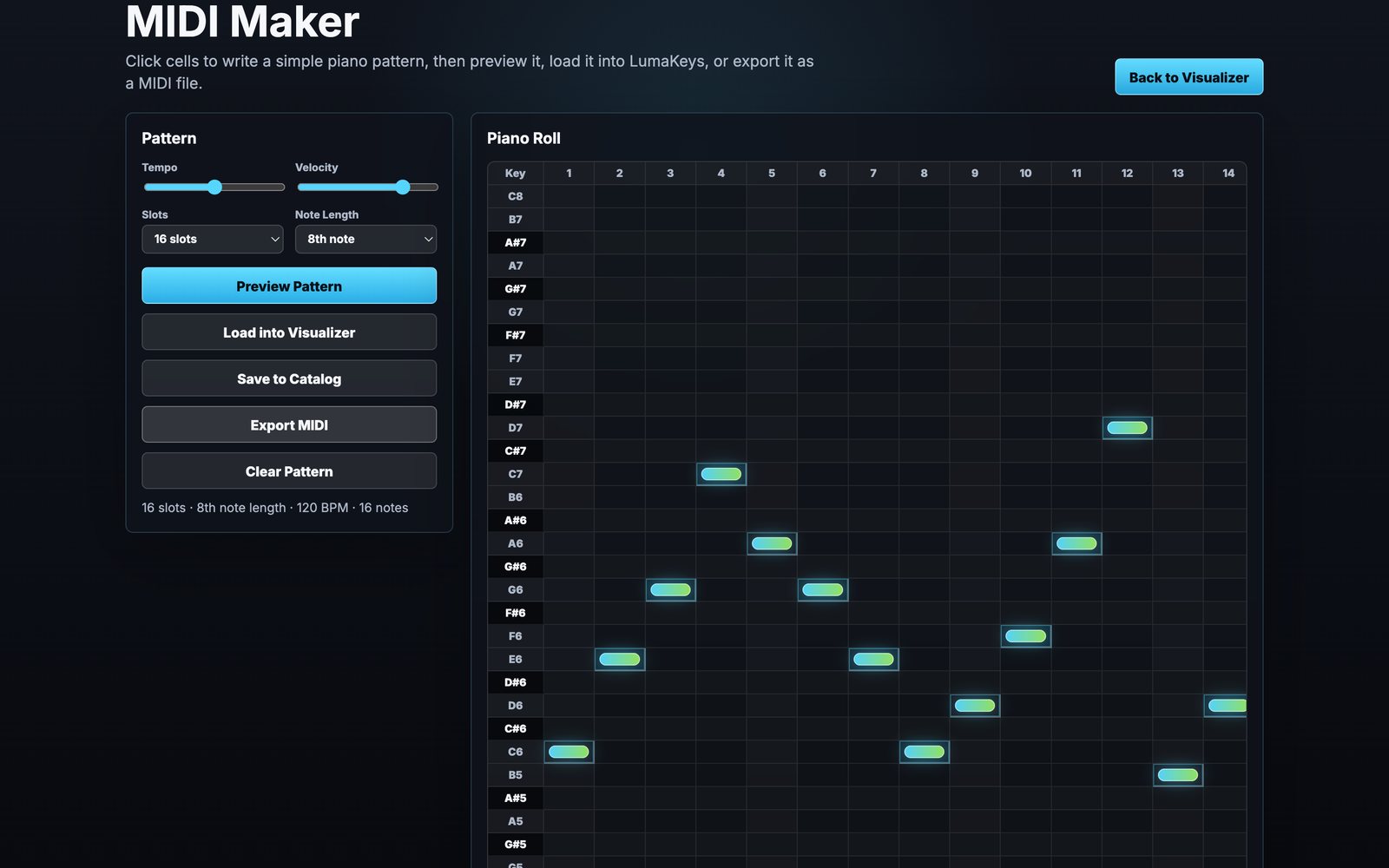
The built-in MIDI Maker gives you a piano roll for sketching a pattern, hearing it back, loading it into the visualizer, or exporting it as a MIDI file.
Everything in one place
The Catalog keeps your MIDI files, saved patterns and finished videos together, ready to load again.
Tuned to your machine
Three quality presets, from Cinematic down to Performance, so older Macs still get a smooth picture.